
New · Smart board edition
Müzik Dersim,now on the board
Open Müzik Dersim in the browser of your classroom's interactive board. Nothing to install: sign in with your teacher account and show the metronome, dictation, ear training, video lessons and your PDF scores on the big screen, in front of the whole class.
- Nothing to install
- Teacher accounts only
- Made for touch screens
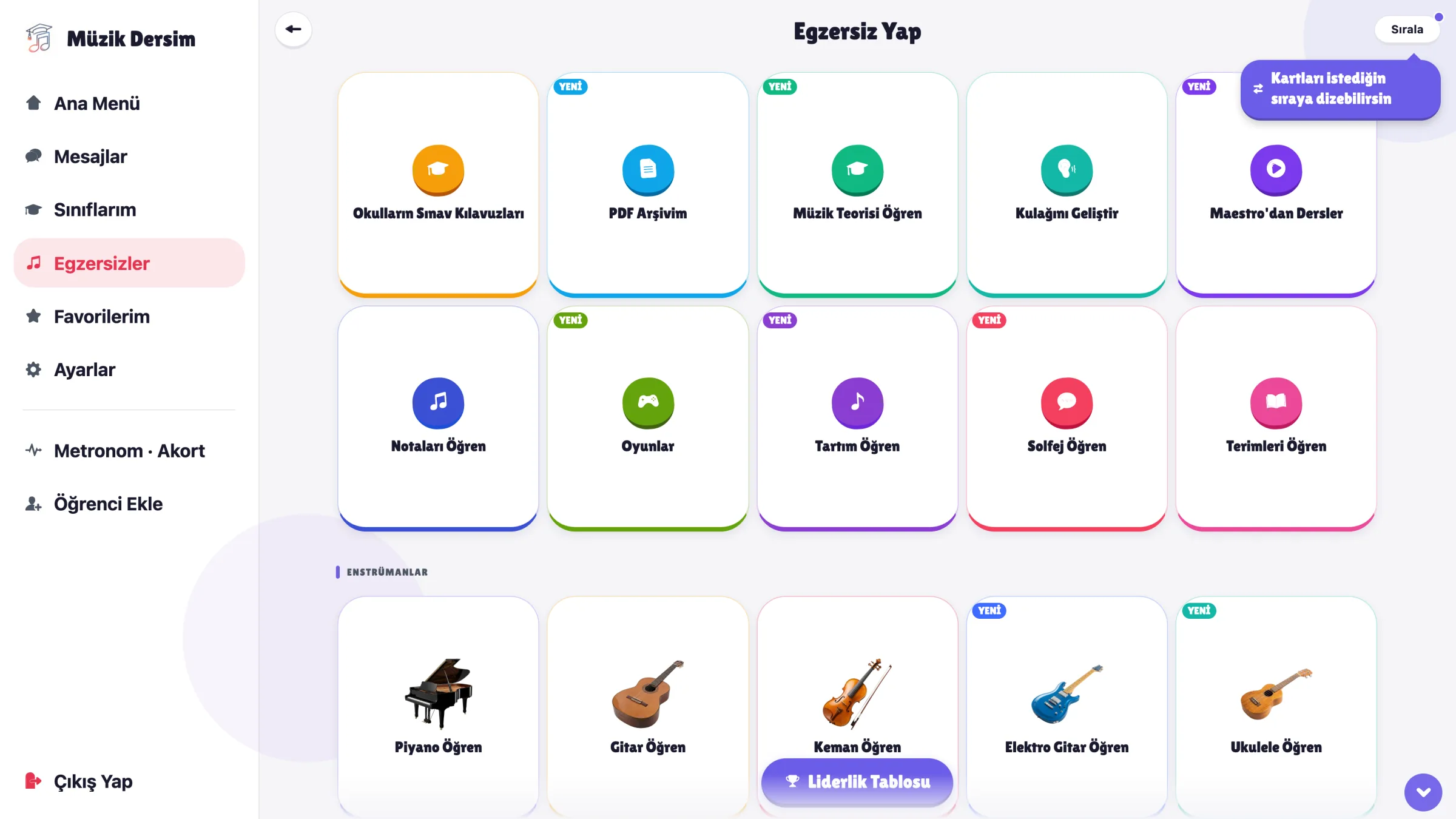
Promo video
Watch Müzik Dersim Tahta
From creating classes to whole-class homework, the shared stage and the leaderboard: see what you can do on the board (Turkish narration).
In three steps
Starting your lesson takes a minute
- 1
Open the page on the board
In the board's web browser, go to muzikdersim.com, choose Smart Board in the menu and tap "Open on the board". Bookmark it and it opens with a single tap next time.
- 2
Sign in as a teacher
Use the same email and password as in the Müzik Dersim app on your phone; on your first sign-in you confirm the usage measurement permission once. No account yet? Download the app and sign up as a teacher first; sign-up is only available in the app.
- 3
Pick a section and teach
Open exercises, the metronome or your PDFs from the menu on the left. When the lesson ends, tap "Sign out"; closing the tab also ends the session.
What can you do in class?
The whole class looks at the same screen
The parts of Müzik Dersim you teach with are laid out for the size of the board: text is readable from the back row and lists fill the screen.
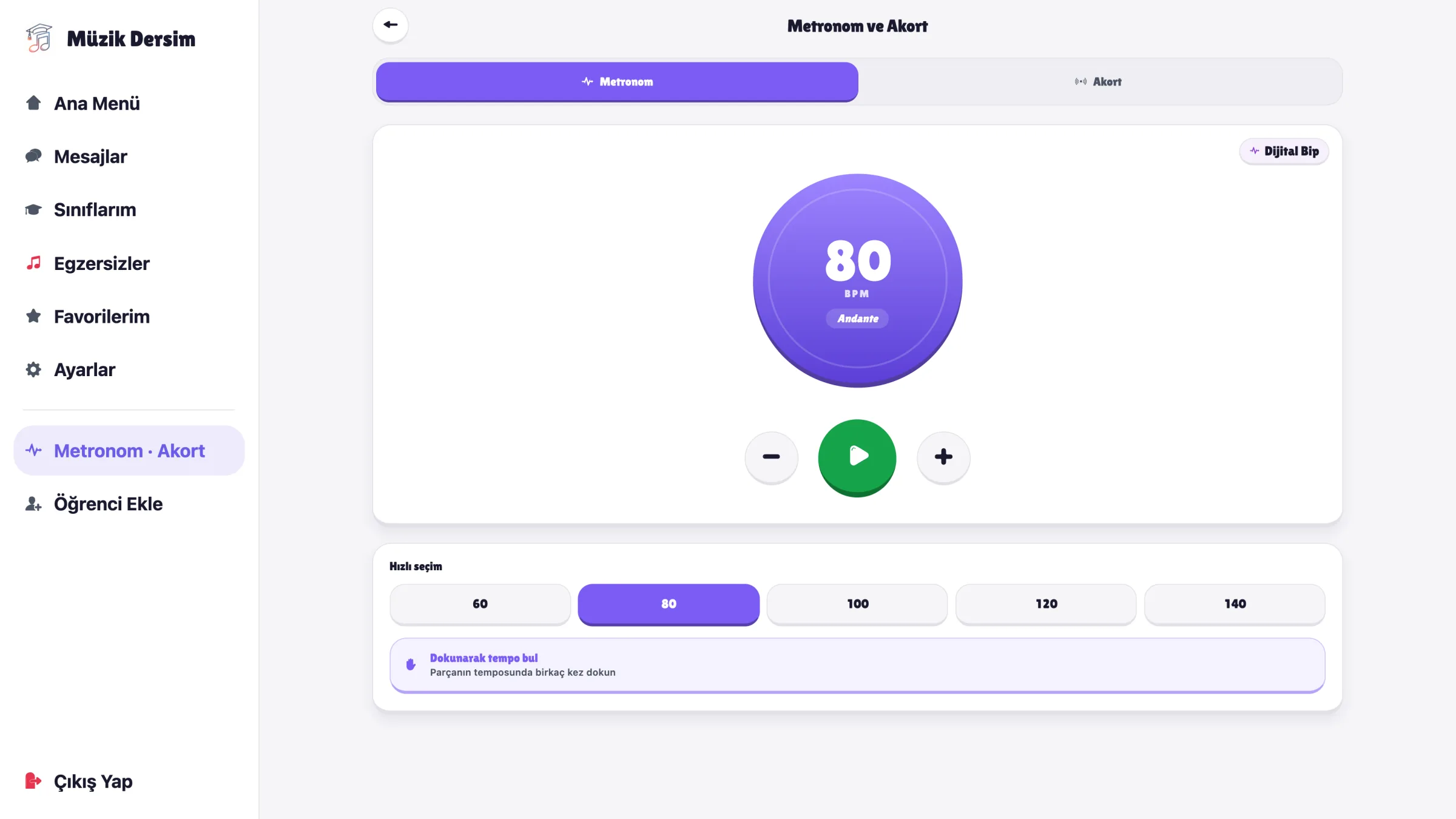
Metronome and tuner
Let the whole class see the tempo; tap along to find a piece's tempo. If the board has a microphone, the tuner tab tunes instruments.
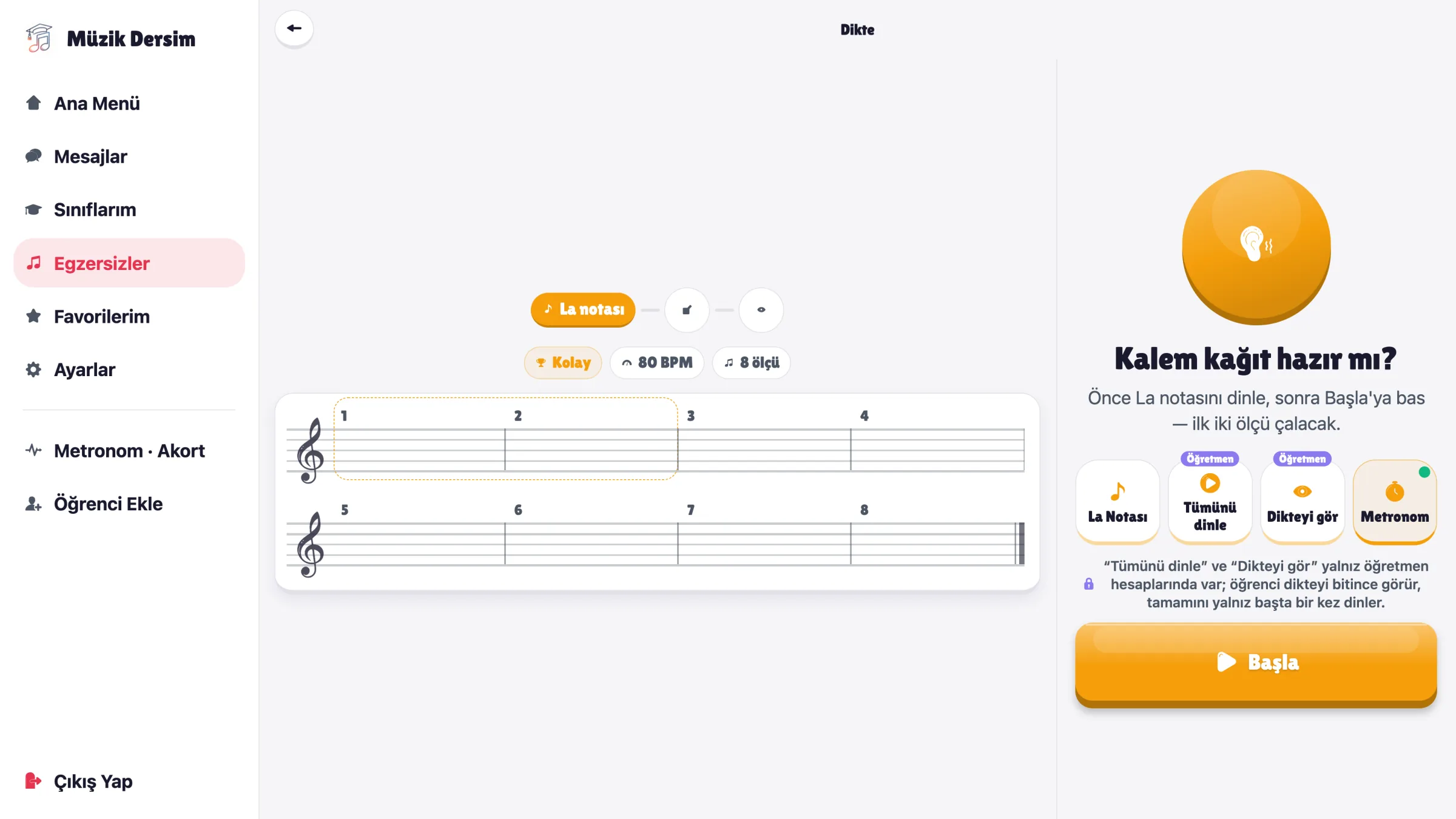
Dictation
Play the dictation from the board while students write in their notebooks. Enlarge the score with "Show Dictation" and check it together; pinch with two fingers to zoom.
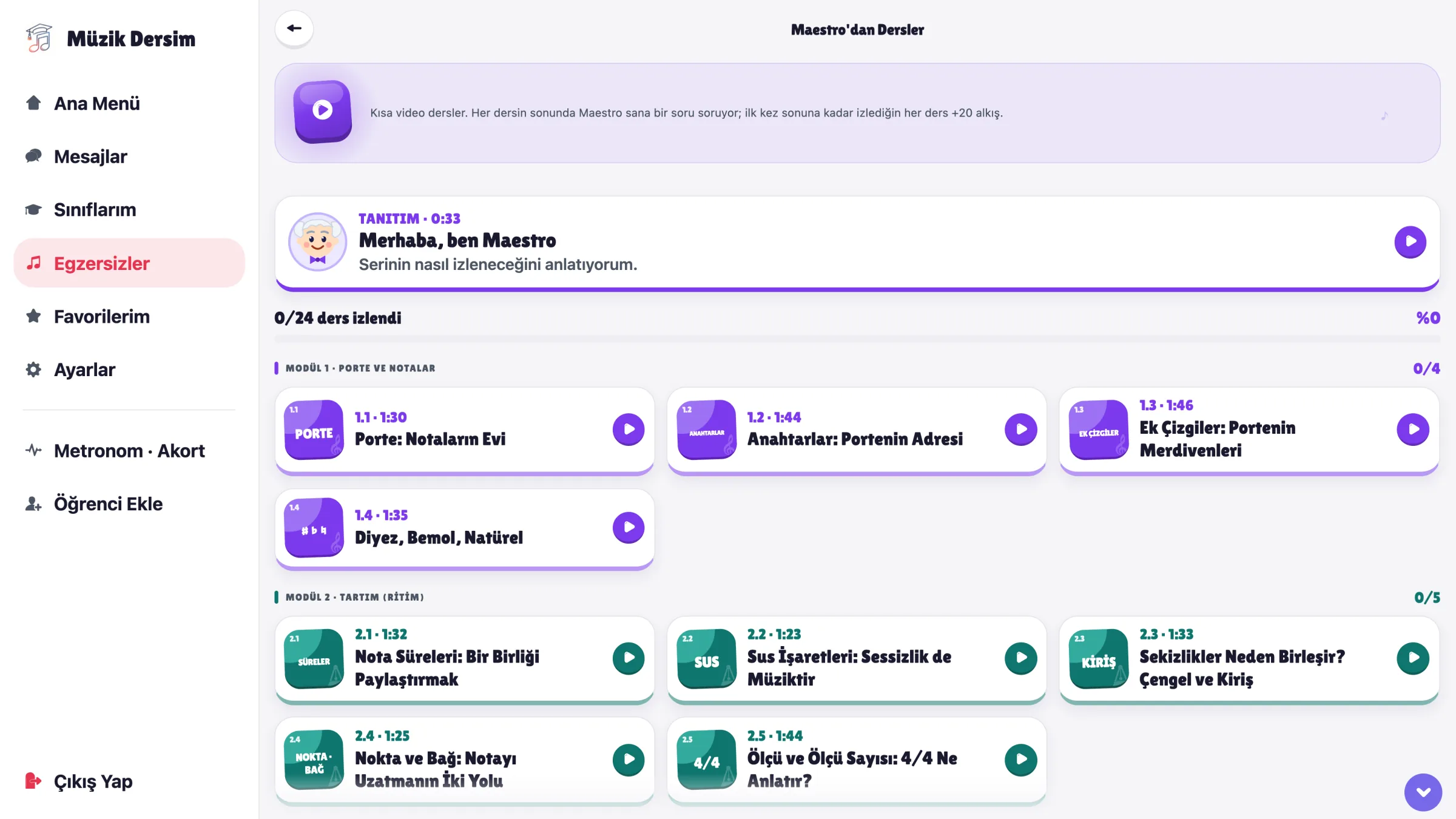
Lessons from Maestro
Short video lessons on notation, rhythm and theory sit side by side on the board. Open one and watch it with the class.
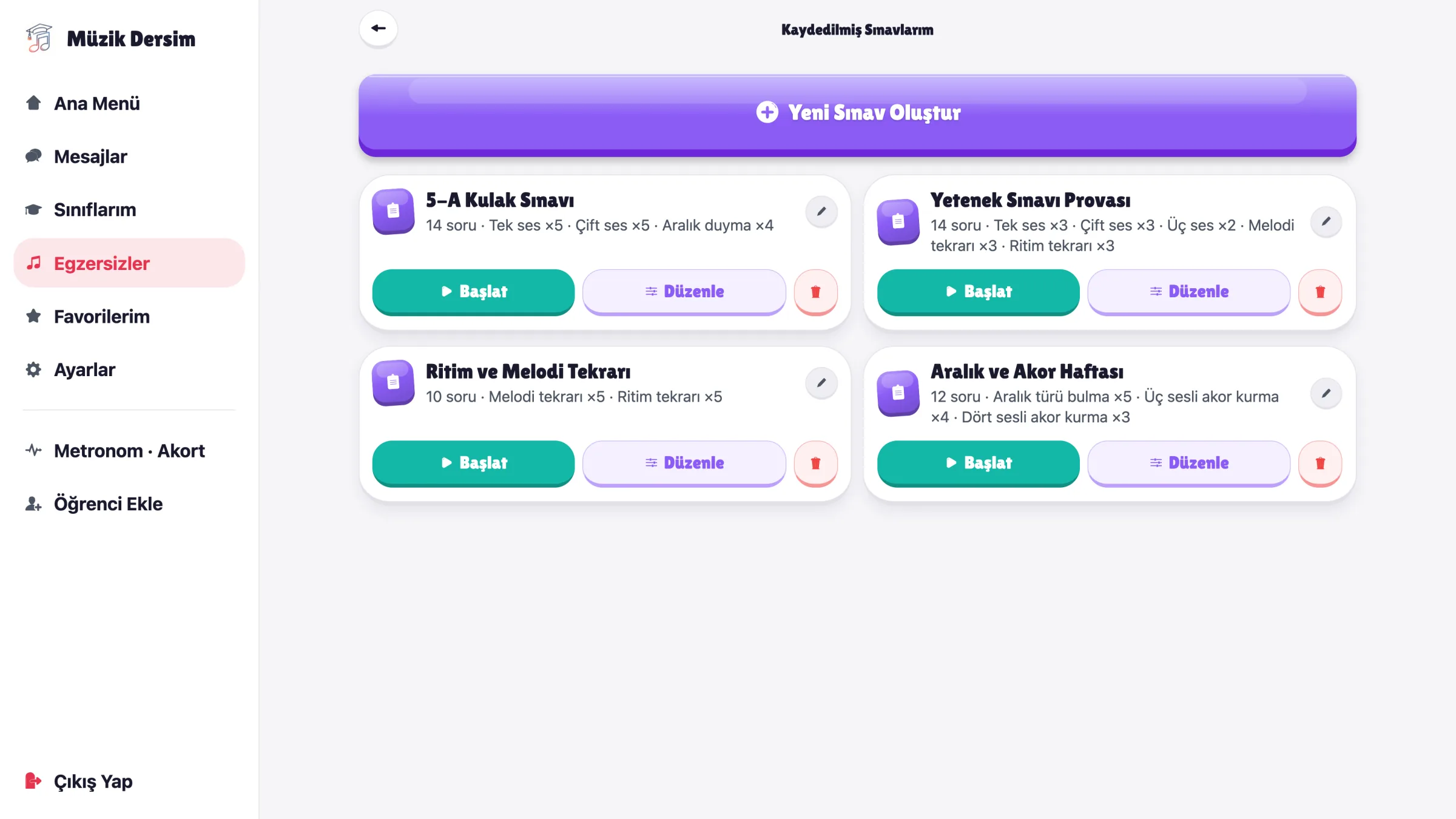
Ear training and tests
Echo singing, interval, chord and rhythm questions. Save a test you put together and solve it with the whole class.
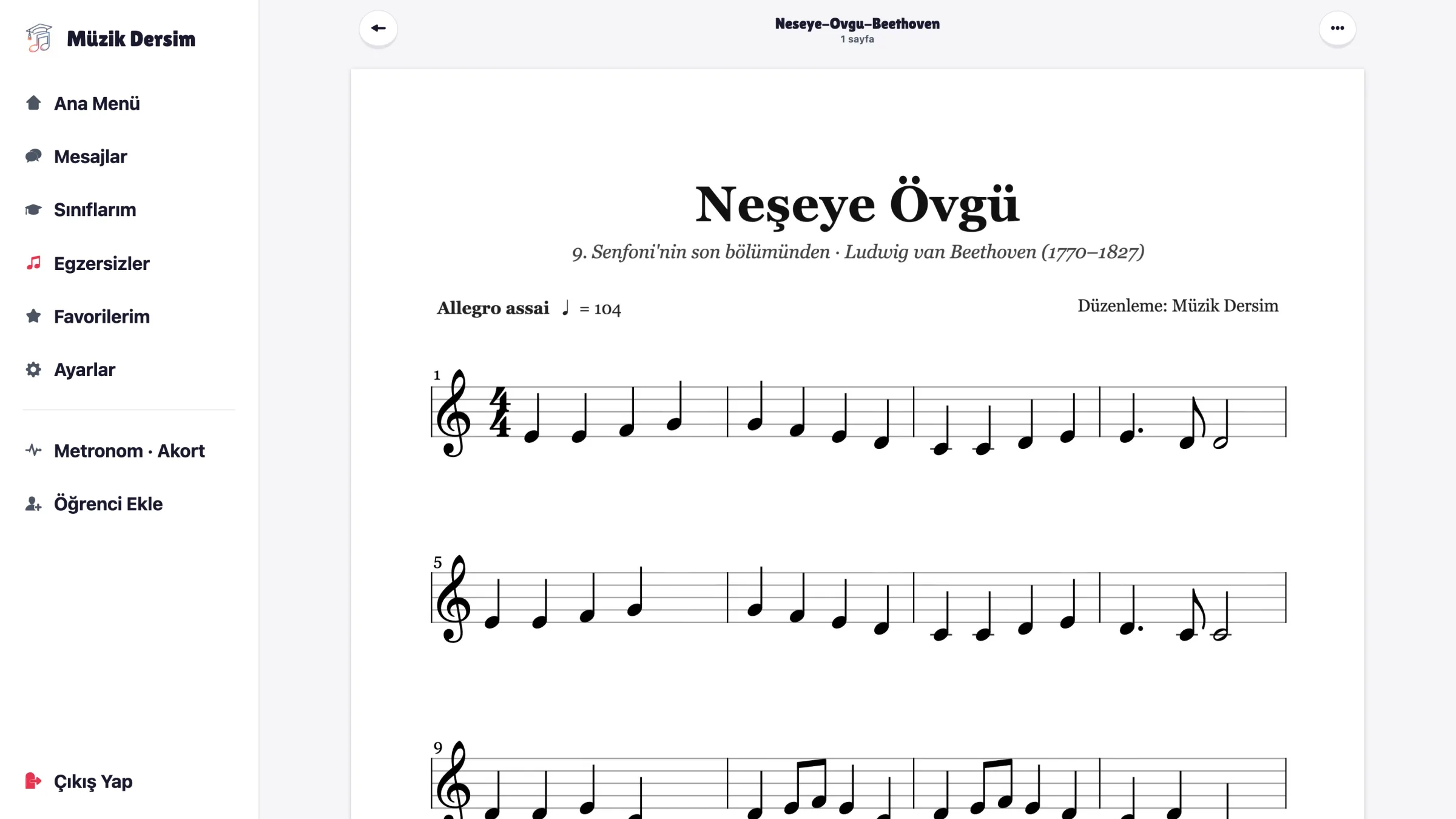
My PDFs
Upload your PDF scores and open them large on the board. PDFs you upload on your phone appear on the board, and the other way round.
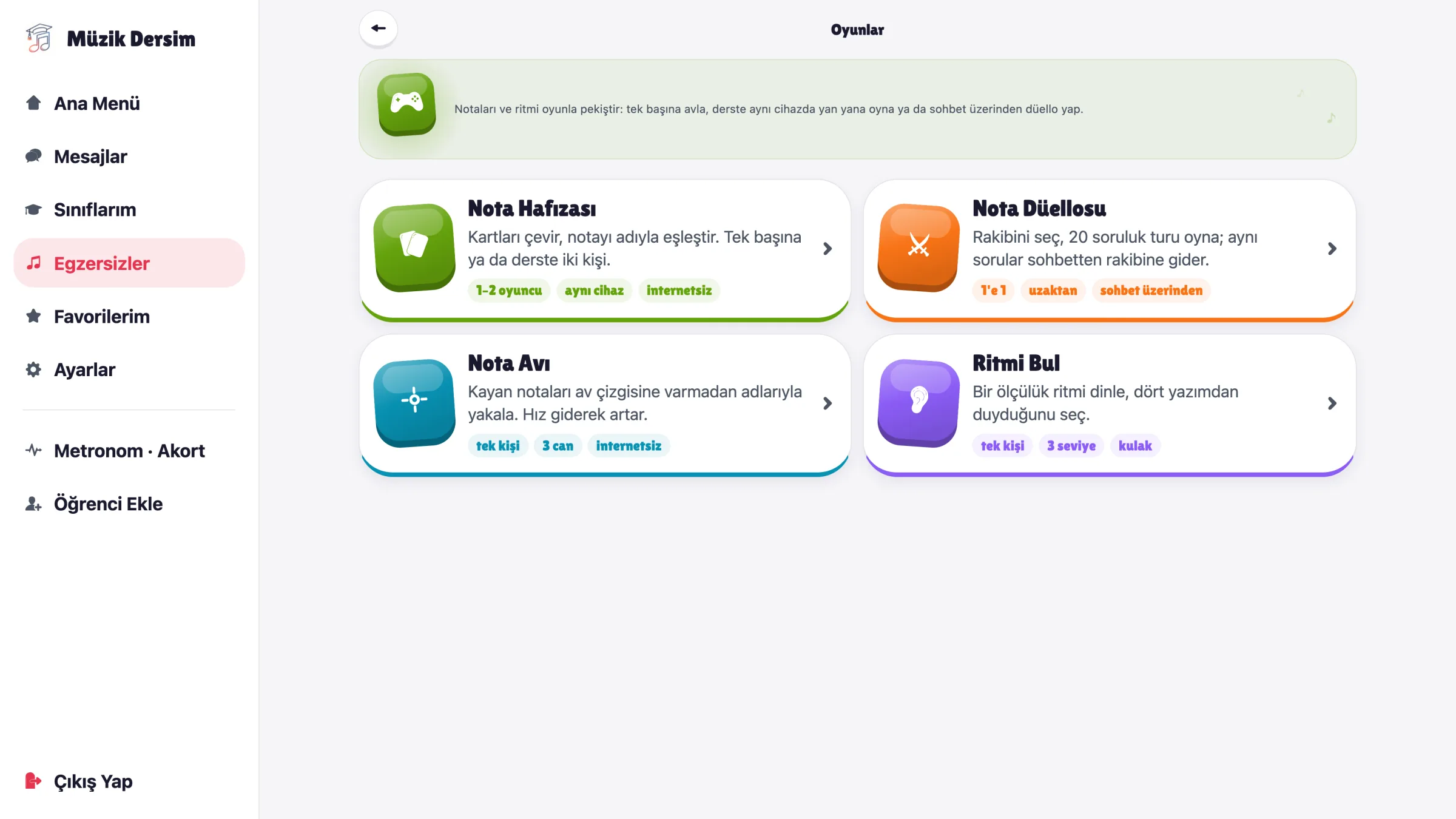
Music games
Note memory, note hunt, find the rhythm: turn the last minutes of the lesson into a game.
Tips for the board
- Tap with your finger; zoom into scores with two fingers or the + / − buttons and drag to move around.
- For full screen, use the browser's full-screen button or press F11.
- Text and buttons grow automatically with the screen size.
- Sound plays through the board's speakers; try it once before a dictation.
- Remember the screen is visible to the class before you open your student list or messages.
Safe on a shared board
- Only teacher accounts can sign in to the board edition; students use their own app.
- Your session lasts only in the tab you opened; closing the tab ends it.
- Your password is never saved on the board.
- No subscription prompts on the board; your teacher account is enough.
- Usage measurement only covers section times and device type; student details, camera and audio are never measured.
Frequently asked questions
Do I need to install anything on the board?
No. Müzik Dersim opens in the board's web browser; you don't need to install an app or ask for administrator rights.
Can students sign in on the board?
No. The board edition is only open to teacher accounts. Students use the Müzik Dersim app on their own phones or tablets.
Which boards and computers does it work on?
Interactive boards and computers with an up-to-date web browser (Chrome, Edge or Firefox). An internet connection is required.
Is it the same account as the app on my phone?
Yes. Your students, homework, PDFs and saved tests are in the same account. Some sections, such as Flowing Piano, the music slow-downer and video lessons, only work on phones and tablets.
I don't have a teacher account. What should I do?
Download Müzik Dersim on your phone and sign up as a teacher. Then sign in on the board with the same email and password.
What is measured on the board?
To help us improve the smart board edition, you're asked to accept the usage measurement permission on your first sign-in; the board can't be used without it. We measure which sections you use and for how long, the days and times, the number of sessions and the device type. Your students' details, message and homework contents, screenshots, camera, audio and location are never measured.
Does my session stay open on the board?
Your session lasts only in the tab you opened. It ends when you close the tab or tap "Sign out"; your password is never saved on the board.
Teach your next lesson on the board
Open it in the board's browser and sign in with your teacher account. No account yet? Download Müzik Dersim on your phone and sign up as a teacher first.
Get the app for a teacher account